A few months ago, my daily routine as a creator looked pretty exhausting. I would spend six to seven hours every day juggling content creation, responding to emails, researching ideas, and scheduling social media posts. Even after working that long, it always felt like I was falling behind. There was always another task waiting — another email to answer, another graphic to design, another piece of content to plan.
Everything changed when another creator told me she had started using free AI productivity tools to handle repetitive tasks. According to her, the tools were helping her finish work faster while also improving the quality of her content.
Naturally, I was skeptical at first. But curiosity won. I spent about two weeks testing dozens of free AI tools. Some were disappointing and barely useful, but a few of them were absolute game changers.
Suddenly, tasks that previously took hours could be finished in minutes.
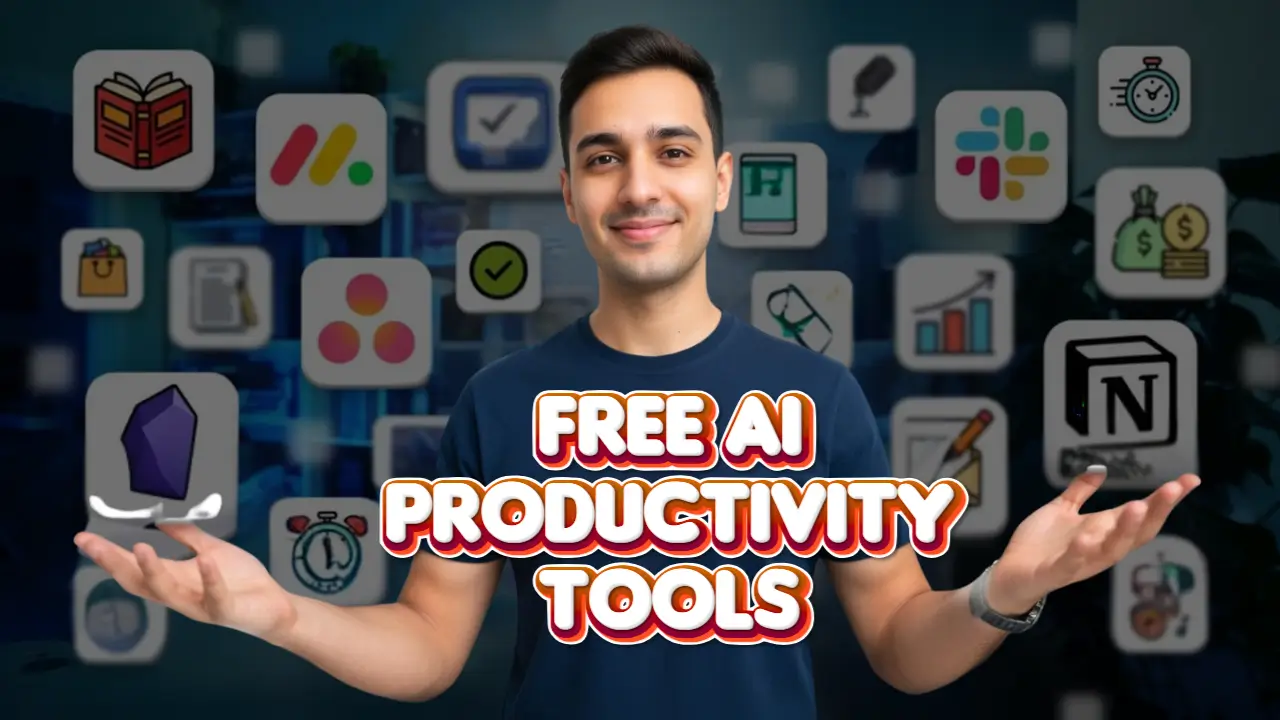
The biggest surprise was that most of these tools offer powerful free plans. You don’t need expensive software or a big budget to benefit from AI anymore. With the right tools, creators can automate routine work, improve productivity, and focus more on creativity.
Even better, these tools don’t just save time — they help improve your work quality. When you’re not overwhelmed by repetitive tasks, your ideas flow more easily, your content becomes sharper, and your overall workflow feels much smoother.
Let’s look at eight of the best free AI productivity tools creators can start using today.
1. ChatGPT – Your Free AI Creative Assistant
If you’re a content creator, blogger, marketer, or entrepreneur, ChatGPT is probably the most versatile AI tool you can use.
It functions like a creative assistant that can help with brainstorming ideas, writing content, researching topics, summarizing information, editing drafts, and even solving small technical problems. For many creators, it becomes the first tool they open at the start of the workday.
One of the biggest challenges creators face is coming up with fresh content ideas consistently. This is where ChatGPT becomes incredibly helpful. Instead of spending an hour scrolling through social media or competitor websites looking for inspiration, you can simply ask the tool to generate topic ideas.
For example, a YouTuber might ask for video ideas in their niche, while a blogger might request headline ideas for an upcoming article. Within seconds, the tool produces a list of suggestions that can spark new ideas and directions.
Another major benefit is overcoming creative blocks. Every creator experiences moments where they know what they want to create but struggle to start. ChatGPT can help generate outlines, introductory paragraphs, or even full draft structures that make it easier to begin writing or scripting.
The free version does have some limitations, such as slower response times during peak usage. However, it is still powerful enough for most daily creative tasks.
One important tip when using ChatGPT is to write clear and specific prompts. A vague request like “write a blog about productivity” will usually produce generic results. But if you give detailed instructions, the output becomes much more useful.
For example:
Write a friendly 300-word introduction for a blog about AI tools that help overwhelmed content creators save time.
Small details like tone, audience, and content length make a huge difference in the results you receive.
2. Canva Free – AI-Powered Design Made Simple
Design used to be one of the most time-consuming parts of content creation. Creating graphics for social media posts, blog articles, YouTube thumbnails, and presentations required either design skills or expensive software.
That’s why Canva Free has become one of the most popular design tools for creators.
Canva provides access to thousands of ready-made templates for social media posts, infographics, YouTube thumbnails, posters, presentations, and more. Instead of designing everything from scratch, creators can simply choose a template and customize it.
Over the past few years, Canva has added several AI-powered features that make design even faster.
These include:
- Background remover
- Magic Eraser for removing unwanted objects
- AI text-to-image generation
- Automatic resizing for different platforms
These features dramatically reduce the time required to produce high-quality visuals.
A typical Canva workflow is very simple. You start with a template, change the colors to match your brand, replace the text with your own message, and upload your images or AI-generated visuals. Within minutes, the design is ready to publish.
For creators who produce content regularly, this can cut design time from an hour to just ten minutes.
Another powerful benefit of Canva is brand consistency. Once you set your brand colors, fonts, and styles, Canva allows you to apply them instantly to future designs. This keeps your content looking professional and recognizable across all platforms.
Even though the free plan has some limitations, it’s still more than powerful enough for most creators.
3. Notion AI – Your Digital Second Brain
As your content projects grow, staying organized becomes just as important as creating content.
Ideas, notes, deadlines, research, and planning documents quickly spread across multiple apps, making it harder to stay focused.
This is where Notion becomes incredibly valuable.
Notion works like a central workspace where creators can store ideas, plan projects, manage tasks, track content schedules, and organize research. Instead of jumping between different tools, everything lives in one place.
The platform becomes even more powerful with Notion AI features.
The free plan provides a limited number of AI credits each month, which is usually enough for individual creators. These AI features can summarize long notes, turn rough brainstorms into structured outlines, and convert messy meeting notes into clear action lists.
For example, imagine writing down a long brainstorming session about upcoming content ideas. Instead of manually organizing everything, you can ask Notion AI to extract key tasks and organize them into a clear to-do list.
This saves time while keeping your workflow organized.
Many creators use Notion to manage their entire content production system. It can track which projects are in progress, schedule publishing dates, and even record performance data like views or engagement.
With AI assistance, reviewing content performance and identifying patterns becomes much easier.
For solo creators or small teams, Notion can essentially function as a digital control center for your entire business.
4. Grammarly Free – AI-Powered Writing Assistant
If you write content regularly, small grammar mistakes can easily slip through your drafts. These errors might seem minor, but they can affect how professional your content appears.
That’s why tools like Grammarly Free have become essential for many creators.
Grammarly works as a real-time writing assistant that automatically checks grammar, spelling, and sentence structure while you type. It works across many platforms including Google Docs, emails, social media, and content management systems.
This means your writing is constantly being checked for clarity and correctness no matter where you’re working.
The free version catches a large percentage of common writing issues such as incorrect punctuation, spelling mistakes, repeated words, and awkward phrasing.
Many of these mistakes are surprisingly difficult to spot when editing your own work. Grammarly helps detect them instantly before your content is published.
For bloggers, marketers, and creators who write frequently, this simple tool can significantly improve content quality while reducing editing time.
5. Descript Free – AI Video and Audio Editing
Editing videos and podcasts can be intimidating, especially for beginners who are unfamiliar with complex editing software.
Descript simplifies the entire editing process using AI.
Instead of working with complicated video timelines, Descript converts your video or audio recording into editable text. You can then edit the content by simply editing the transcript, just like you would edit a document.
When you delete a sentence in the transcript, that part is automatically removed from the video or audio.
This makes editing feel much easier and more intuitive.
The free plan includes one hour of transcription per month, which is usually enough for short videos, podcasts, or voice recordings.
One of the most useful features is automatic filler word removal. The software detects words like “um,” “uh,” and “like,” and removes them instantly. This makes recordings sound cleaner and more professional without hours of manual editing.
Descript is also great for creating short social media clips. You can search through the transcript, highlight a strong quote or moment, and export it as a separate video clip.
For creators who want a faster editing workflow, this tool can save a huge amount of time.
6. Otter.ai Free – AI Meeting Notes and Transcription
Meetings are a normal part of running a business or working with clients. However, taking notes during a conversation can be distracting and often causes important details to be missed.
That’s where Otter.ai becomes incredibly useful.
Otter.ai automatically records meetings and converts the conversation into text in real time. It also creates automatic summaries and action items, making it easier to review discussions later.
The free plan includes 300 minutes of transcription per month, which is more than enough for many creators and small business owners.
One powerful feature of Otter.ai is searchable meeting history. Every conversation is stored and searchable, allowing you to quickly find important details weeks later simply by typing a keyword.
This can be extremely helpful when reviewing client discussions, project requirements, or important decisions.
Otter.ai also integrates with platforms like Zoom, Google Meet, and Microsoft Teams, allowing the tool to automatically join meetings and record notes.
For anyone who attends frequent meetings, this tool removes the stress of manual note-taking.
7. Perplexity AI – Free AI Research Assistant
Research is a major part of content creation. Whether you’re writing blog posts, creating videos, or analyzing industry trends, finding accurate information can take a lot of time.
Perplexity AI is designed to make research faster and easier.
Unlike traditional search engines that simply show a list of links, Perplexity AI analyzes information from multiple sources and summarizes it into a clear answer.
It also includes source citations, allowing you to verify where the information comes from.
This makes it extremely useful for tasks like:
- Fact checking information
- Finding statistics for articles
- Researching competitors
- Learning about new industry trends
Another advantage is that you can ask follow-up questions without starting a new search. This creates a more natural research process where you can explore a topic step by step.
For creators who rely on accurate information, Perplexity AI becomes a powerful research companion.
8. FlexClip Free – Online Video Editing and Creation
Creating professional videos can be challenging, especially for beginners or small teams.
FlexClip simplifies video production with a user-friendly, online platform.
You can create videos from templates, stock media, or your own footage, and customize them with text, transitions, music, and animations.
AI-powered tools, like text-to-video and AI image generation, allow you to quickly transform ideas into polished videos.
The free plan includes unlimited exports with a watermark and access to essential editing features, making it perfect for social media clips, presentations, or short promotional videos.
FlexClip also supports collaborative editing, making it easier for teams to work together efficiently.
Why AI Productivity Tools Are Game Changers for Creators
Most creators operate alone or with very small teams. This means handling multiple responsibilities at once — creating content, marketing it, responding to messages, managing schedules, and handling administrative work.
Without support, this workload can easily lead to burnout.
In the past, the typical advice was to hire assistants or outsource tasks. But many creators simply cannot afford to build a team in the early stages of their business.
Free AI tools provide a powerful alternative.
They function like digital assistants that automate repetitive tasks, organize information, and speed up workflows.
Even small time savings make a big difference. If a tool saves just 30 minutes per day, that adds up to more than 180 hours every year — nearly an entire month of work.
By combining several AI tools together, creators can save hundreds of hours annually while improving the quality of their work.
The key is to focus on tools that solve your specific workflow problems, rather than trying every new AI tool that appears online.
Final Thoughts
Free AI productivity tools have completely changed what’s possible for independent creators and small businesses.
Capabilities that once required large teams, expensive software, and significant budgets are now available to anyone with an internet connection.
With the right tools, creators can automate routine work, streamline their workflows, and focus more on creativity and strategy.
The eight tools discussed above are not just theoretical suggestions — they are practical tools used by thousands of creators every day to work smarter and more efficiently.
If you start experimenting with them, you may quickly discover that AI doesn’t replace creativity — it amplifies it.
And once you experience how much time these tools save, it becomes very difficult to imagine going back to the old way of working.